
Cord cutting is supposed to save money, and it usually does. But many people cancel cable, sign up for four streaming apps, buy two new boxes, upgrade their internet, and end up paying almost the same as before. Here are the costs nobody mentions, and how to keep the savings real. If you are planning cord cutting this year, read this before you call the cable company.
The rule that saves the most: replace cable with one main service that covers live TV, sports and movies, then add extras only if you truly miss something after a month.
In this guide
- Cord cutting in 2026: what it really costs per month
- 1. Cancellation and equipment fees
- 2. An internet upgrade you may not need
- 3. New streaming devices
- 4. Subscription stacking
- 5. Local channels
- Is cord cutting right for you?
- Your switch worksheet
- A 3-step cord cutting plan that keeps the savings
- Quick questions
Cord cutting in 2026: what it really costs per month
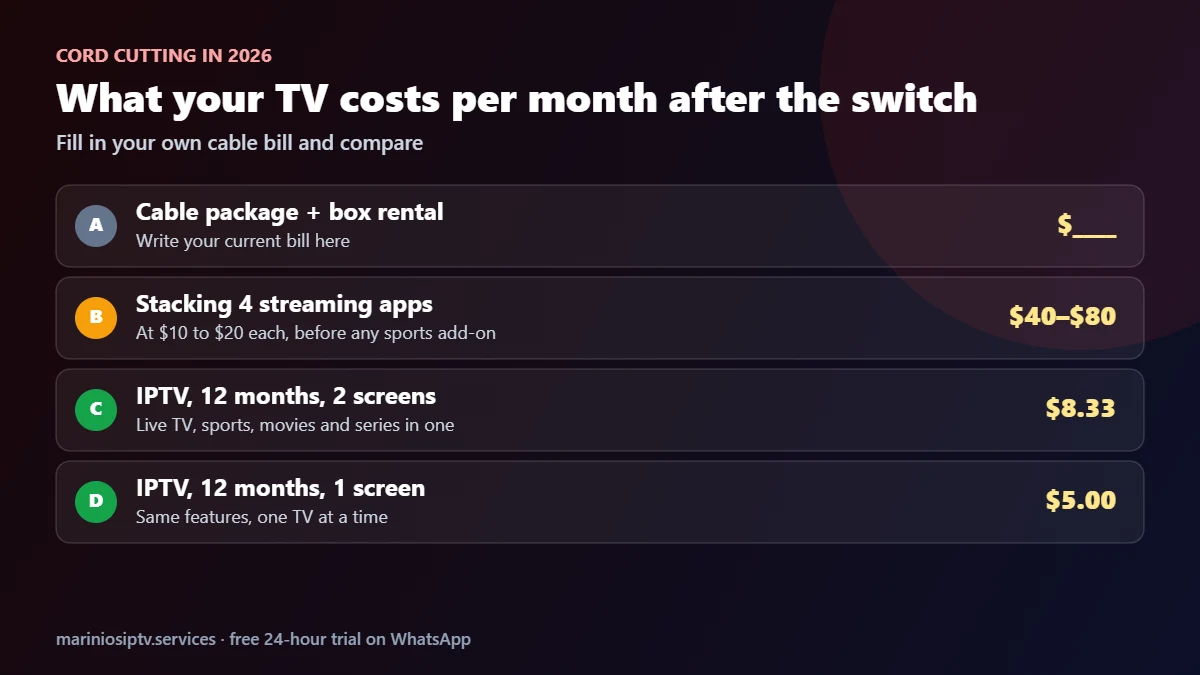
The savings from cord cutting depend on what you replace cable with. Stacking several streaming apps can cost $40 to $80 a month before any sports add-on. One IPTV subscription that covers live TV, sports, movies and series costs much less: with Marinios IPTV, $5 a month for one screen or $8.33 for two on the 12-month plan. Put your own cable bill next to these numbers and the decision becomes simple.
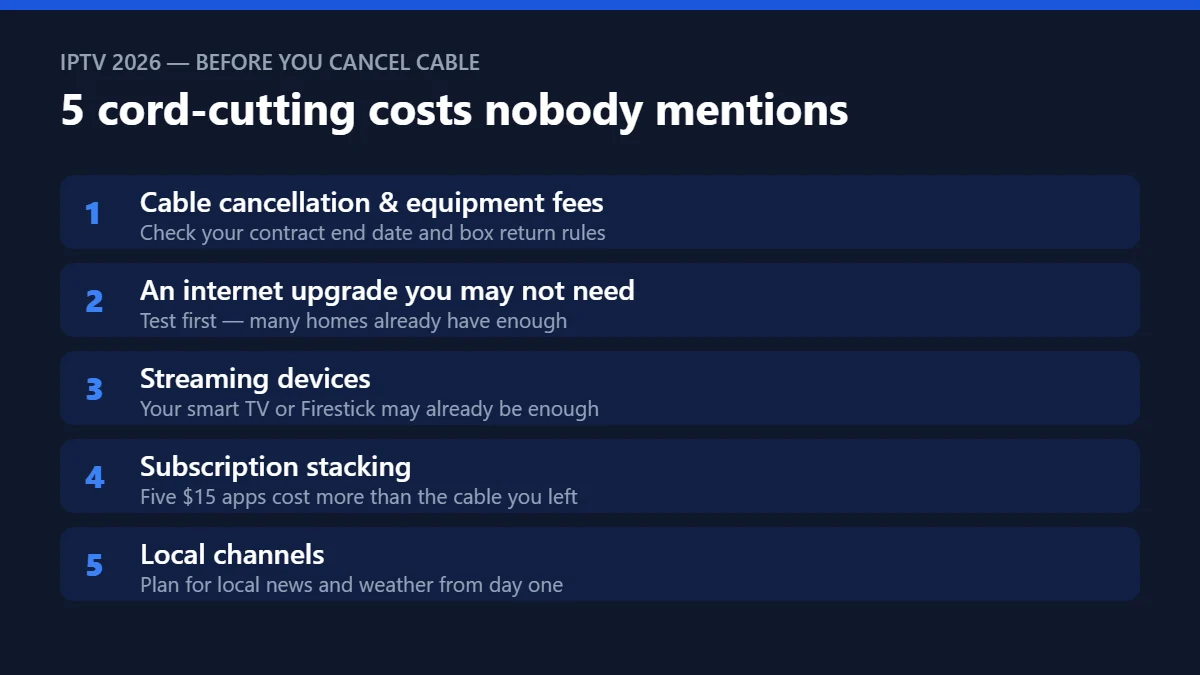
1. Cancellation and equipment fees
Before you call your cable company, read your contract. Leaving early can trigger a termination fee, and unreturned boxes are often billed. Time your switch for the end of the contract, and return every piece of equipment with a receipt.
2. An internet upgrade you may not need
Providers love to sell a faster plan to new cord-cutters. Test first: run a speed test on the TV in the evening. About 10 Mbps per Full HD screen and 25 Mbps per 4K screen is comfortable. If you are already there, keep your current plan.
3. New streaming devices
Most smart TVs from recent years can install IPTV apps directly. For older TVs, a Firestick or Android TV box is enough. You rarely need a premium device for every room.
4. Subscription stacking
This is the big one. One app for movies, one for series, one for sports, one for kids, one for a single league — at $10–$20 each, the total climbs fast. Add up every subscription after your first month and compare it honestly with your old cable bill.
5. Local channels
Local news, weather and some live events matter to most households. Make sure your new setup includes them, or buy a simple indoor antenna for over-the-air channels, before the cable box goes back. The FCC’s DTV reception maps show which free local stations reach your address with an antenna.
Is cord cutting right for you?
Cord cutting works best for households that:
- have stable home internet, around 10 Mbps per HD screen or 25 Mbps for 4K;
- watch a mix of live TV, sports and movies, and are tired of paying for hundreds of unused channels;
- are happy to use an app on a smart TV, Firestick or Android box instead of a cable box.
If your internet is slow and cannot be upgraded, keep cable for now. Our 20-minute speed test tells you in one evening.
Your switch worksheet
| Monthly cost | Before (cable) | After (example) |
|---|---|---|
| TV package | Your bill: $____ | IPTV, 12 months, 2 screens: $8.33 |
| Box / DVR rental | $____ | $0 (existing TV / Firestick) |
| Internet | $____ | Same plan if your test passes |
| Extra apps | — | Only what you truly miss |
| Total | $____ | $____ |

A 3-step cord cutting plan that keeps the savings
- Test while cable is still active. Run a free 24-hour trial on your main TV, including a live game in the evening.
- Cancel at the contract end date and return all equipment.
- Wait a month before adding apps. Most people find they do not miss as much as they expected.
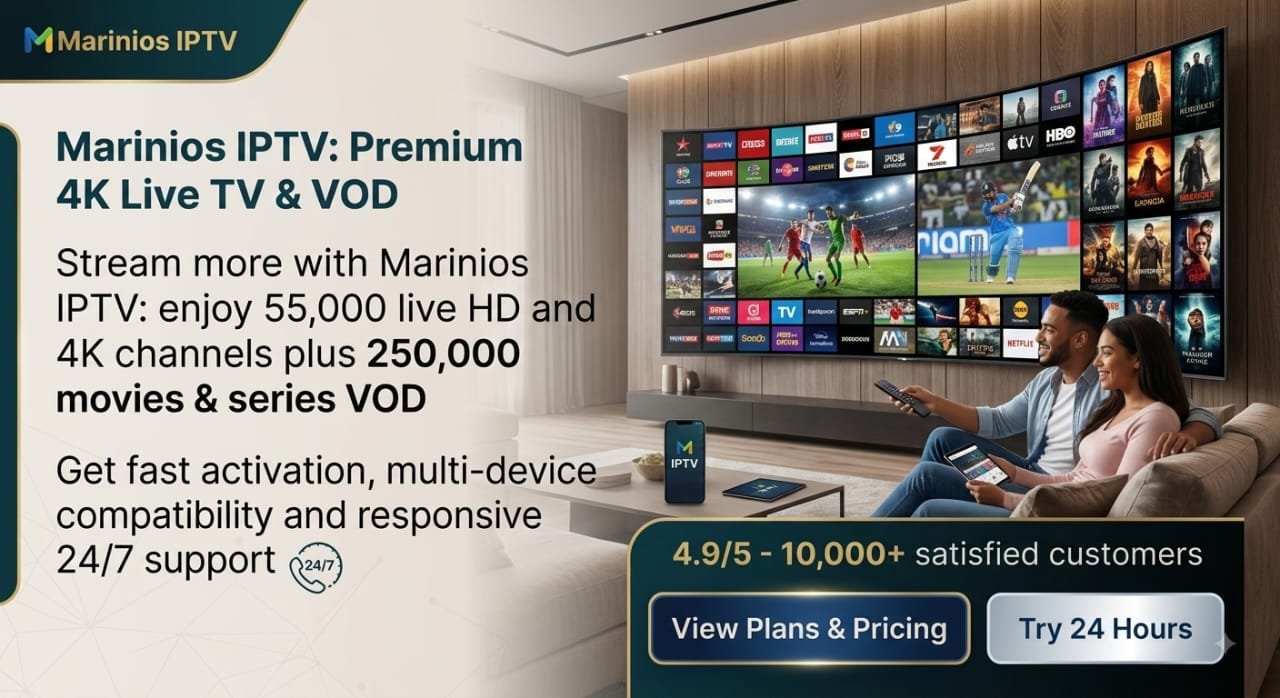
Every Marinios plan includes 55,000 live HD and 4K channels, 250,000 movies and series, a TV guide and catch-up, so one subscription can replace most of the stack.
Quick questions
How much can cord cutting save?
It depends on your cable bill and what you replace it with. Replacing cable with one IPTV plan instead of several apps keeps most of the saving; stacking apps can eat it.
What do I need for cord cutting?
Stable internet, a smart TV or a streaming stick, and one main service. Our Firestick guide and Samsung TV guide show the setup.
Do I need a smart TV?
No. A Firestick or Android box turns almost any TV with an HDMI port into a streaming TV.
Will I lose my DVR?
Catch-up TV and on-demand movies and series cover most of what people used their DVR for.
Sports are the hardest part of cutting the cord. Our guide to watching sports without cable compares every option.
Saturdays are the hardest part for many cord-cutters: here is the best way to watch college football without cable.
Fire TV and Firestick are trademarks of Amazon.com, Inc. or its affiliates. Samsung and Smart TV are trademarks of Samsung Electronics. Android TV, Google TV and Google Play are trademarks of Google LLC. Marinios IPTV is not affiliated with or endorsed by them.