
LG TVs are everywhere in American living rooms, and they run webOS, LG’s own system with its own app store. That is good news and bad news for IPTV on LG Smart TV. Good, because you can usually run a player right on the TV with no extra box. Bad, because the choice of players is smaller than on a Firestick, and almost every one of them works a little differently. After walking a lot of LG owners through their first setup on WhatsApp, here is the version of the guide we wish everyone read first.
View Plans & Prices – From $15
Quick answer: To get IPTV on LG Smart TV, install an IPTV player from the LG Content Store, note the Device ID it shows, add your M3U link or Player API login on the player’s website, then restart the app. If your LG store has no suitable player, plug a Firestick or Android TV stick into a spare HDMI port.
Key takeaways
- IPTV on LG Smart TV runs through a player from the LG Content Store; the channels still come from your subscription.
- Most LG players are web-managed: the TV shows a Device ID (often called a MAC) and you add your playlist from your phone.
- Many LG players give a free period, then ask for a one-time activation paid to the app, separate from your IPTV plan.
- If your TV is older or the store looks empty, a stick on HDMI is the fastest way out.
In this guide
- First, check what your LG TV can run
- Best IPTV apps for LG Smart TV
- How to install IPTV on LG Smart TV, step by step
- Device ID, MAC and key: what LG players ask for
- No player in your store? Two other ways
- LG settings for a smoother picture
- IPTV on LG Smart TV not working? Quick fixes
- Get a subscription that works on your LG TV
- Quick questions
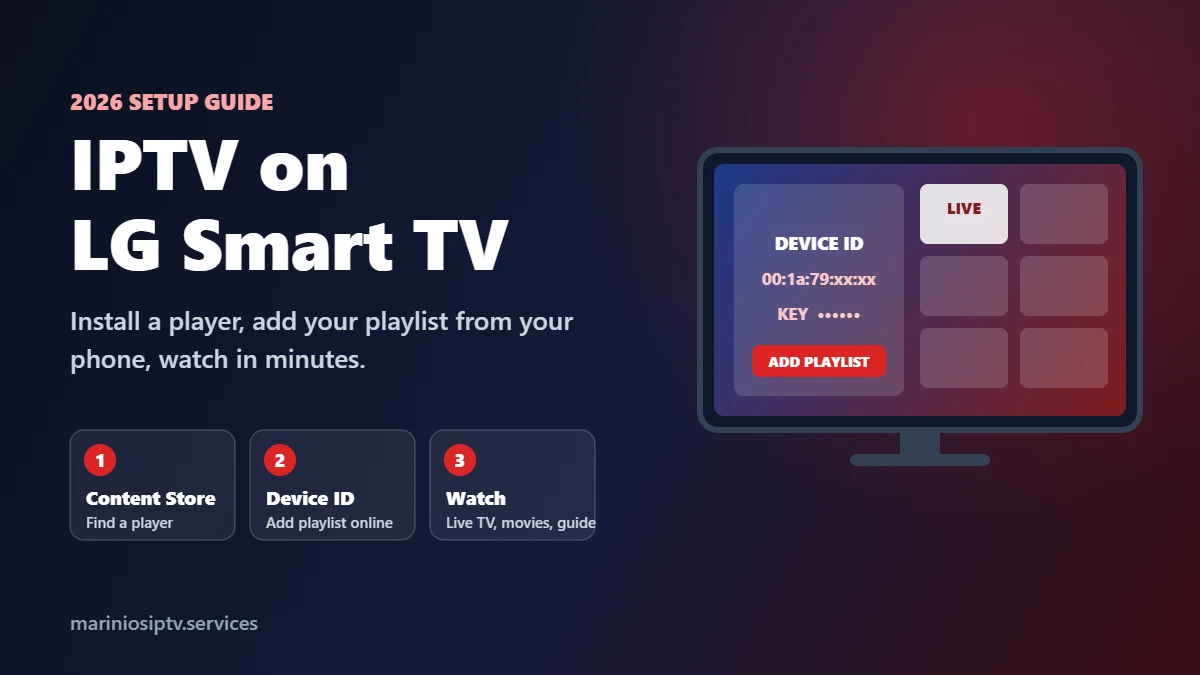
First, check what your LG TV can run
Before you set up IPTV on LG Smart TV, spend one minute finding out what you are working with. Two LG TVs that look the same on the wall can show very different app stores.
- Press the Settings button (the gear) on the remote.
- Go to All Settings → General → About This TV (the path changes a little between webOS versions; on some models it sits under Support).
- Note the model number and the webOS version, and run any software update it offers. LG explains the update steps on its official support site.
Newer TVs usually see more players and get updates longer. If your TV is several years old and the store shows almost nothing for “IPTV”, do not waste an evening on it: skip to the stick option below.
Best IPTV apps for LG Smart TV
We will not pretend there is one perfect app. LG’s store changes by model year and by country, and players appear and disappear. What we can tell you is how the main types behave, so you can pick the best IPTV app for LG Smart TV that your store actually shows.
| Player type | How you add your login | Good for | Watch out for |
|---|---|---|---|
| Web-managed players (IBO-style, Smart IPTV-style) | On the player’s website, using the Device ID shown on the TV | Most LG owners: no typing with the remote | Free period, then a one-time activation per TV |
| Login-on-TV players | Type the Player API (Xtream) details with the remote | People with a short username and password | Slow typing; one wrong letter and the login fails |
| Basic M3U players | Paste or upload an M3U link | Live TV only | Often no movies, series or proper TV guide |
| Stick on HDMI (Firestick, Android TV) | IPTV Smarters Pro or similar on the stick | Older LG TVs, or anyone who wants the most choice | One more device and one more remote |
Whatever you pick, read the developer name and recent reviews in the store before installing. Copycat apps with nearly the same name are common. Our IPTV player guide compares the popular players in more detail.
How to install IPTV on LG Smart TV, step by step
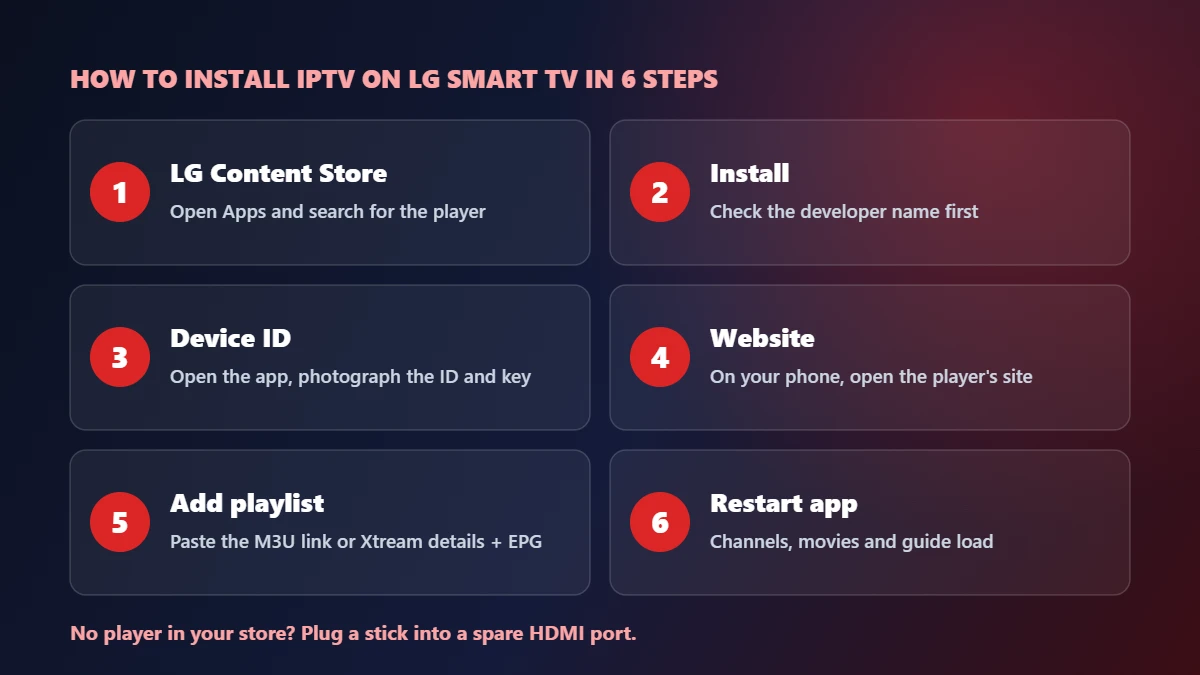
This is how to install IPTV on LG Smart TV with a web-managed player, which is what most LG owners end up using.
- Open the LG Content Store (on newer models just called Apps) from the home screen.
- Search for the player, check the developer and install it.
- Open the app. The first screen shows a Device ID or MAC address, and sometimes a Device Key. Take a photo of it with your phone.
- On your phone or computer, open the player’s official website and find the page to add a playlist.
- Enter the Device ID (and key), then paste the M3U link or the Player API details from your IPTV provider. Add the TV guide (EPG) link if you have one.
- Restart the app on the TV. Your channels, movies and guide load. The first load of a large playlist can take a minute or two.
If the player refuses the login, the cause is almost always a typo or the wrong link type; our authorization fix covers it, and our M3U playlist guide explains every part of the link.
Device ID, MAC and key: what LG players ask for
This is the part of IPTV on LG Smart TV that confuses people most, so here it is in plain words. A web-managed player cannot ask you to type a long link with a TV remote, so it gives your TV an identity instead.
- Device ID / MAC: a code like 00:1a:79:xx:xx:xx that identifies this app on this TV. It is not your TV’s real network address in every app, and it is not a password.
- Device Key: a short number some players add so that only you can change the playlist for that ID. Keep it private.
- Activation: after the free period, the app asks for a one-time payment for that TV. That payment goes to the app developer, not to your IPTV provider.
Two habits save a lot of trouble: keep the photo of that first screen, and never share your playlist link or Device Key in a public group. Anyone with them can use your subscription.
No player in your store? Two other ways
Sometimes the store simply has nothing useful for IPTV on LG Smart TV. You still have options, and neither involves anything risky.
- A stick on HDMI. Plug a Fire TV Stick or an Android TV stick into a spare HDMI port, install the player there, and switch inputs with the LG remote. It is the same advice we give Roku owners, and it works on any LG TV. See our Firestick guide.
- Screen share or AirPlay. Many LG TVs can mirror an Android phone (Screen Share) and many recent models support Apple AirPlay. Fine for testing a service tonight, less comfortable for a full game.
LG settings for a smoother picture
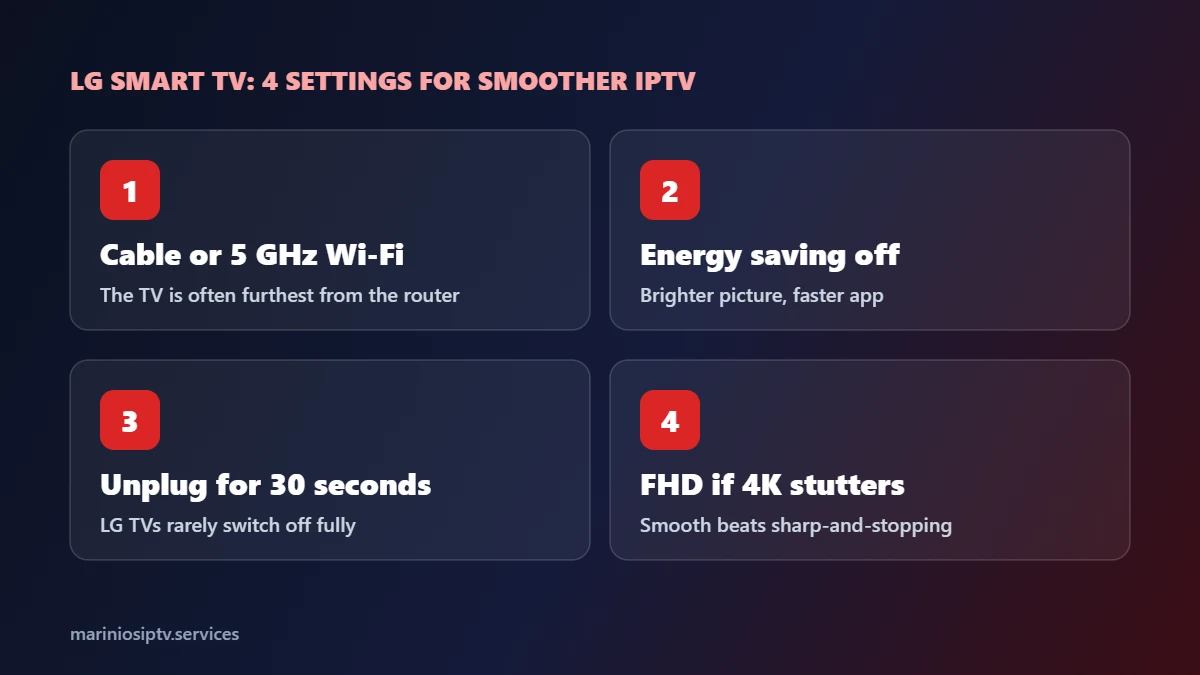
- Use a cable or 5 GHz Wi-Fi. For IPTV on LG Smart TV, the TV is often the device furthest from the router. If your LG has a LAN port, a cable removes most freezing.
- Turn off energy-saving modes in the picture or general settings if the image looks dim or the app reacts slowly.
- Restart the TV properly now and then. Many LG TVs never fully switch off. Unplug for 30 seconds if an app starts acting strangely.
- Pick the FHD version of a channel if the 4K one stutters. A smooth FHD picture beats a 4K one that stops every minute.
Still freezing after all that? Our IPTV buffering fix finds the cause in two minutes.
IPTV on LG Smart TV not working? Quick fixes
| What you see | Likely cause | Fix |
|---|---|---|
| App shows “no playlist” after you added one | App not restarted, or wrong Device ID | Close and reopen the app; compare the ID on the website with the TV |
| Activation screen appears | The app’s free period ended | Activate the app on its official website, or ask your provider to help |
| Channels load but do not play | Stream format | Try the other output (ts or m3u8) in the link or player settings |
| TV guide empty | EPG link missing or wrong time zone | Add the EPG link; check the time zone; see our EPG guide |
| App missing from the store | Not available for your model or country | Use a stick on HDMI |
Get a subscription that works on your LG TV
Marinios IPTV gives you both an M3U link and Player API (Xtream) details, so IPTV on LG Smart TV works in web-managed players and in login-on-TV players alike, with 55,000 live channels in HD and 4K, 250,000 movies and series and a TV guide. One screen is $15 for a month or $5 a month on the 12-month plan, and plans for 2 to 4 screens cover the LG in the living room and the phones in the house. If your LG player asks for activation, send us a photo of the screen on WhatsApp and we will help with that too. See the IPTV subscription guide or all plans.
Quick questions
How do I install IPTV on LG Smart TV?
Install a player from the LG Content Store, note the Device ID it shows, add your playlist on the player’s website, then restart the app.
What is the best IPTV app for LG Smart TV?
The one your store shows that supports your login type and has a TV guide. Web-managed players are the easiest for most people because you never type with the remote.
Can I use IPTV Smarters on an LG TV?
Availability on LG changes by model and country. If it is not in your store, run it on a Firestick or Android TV stick plugged into the TV.
Why does my LG IPTV app ask me to pay?
Many players offer a free period, then a one-time activation for the app. It is separate from your IPTV subscription.
Is IPTV on an LG TV good for 4K?
Yes on recent models, with about 25 Mbps and a stable connection. A cable makes the biggest difference.
LG, webOS and LG Content Store are trademarks of LG Electronics. Fire TV and Firestick are trademarks of Amazon.com, Inc. or its affiliates. Android TV is a trademark of Google LLC. AirPlay is a trademark of Apple Inc. IPTV Smarters, IBO Player Pro and Smart IPTV are trademarks of their respective owners. Marinios IPTV is not affiliated with or endorsed by them.